





How to install a back up alarm on my car
 Feb 27, 2026|
 View:2895
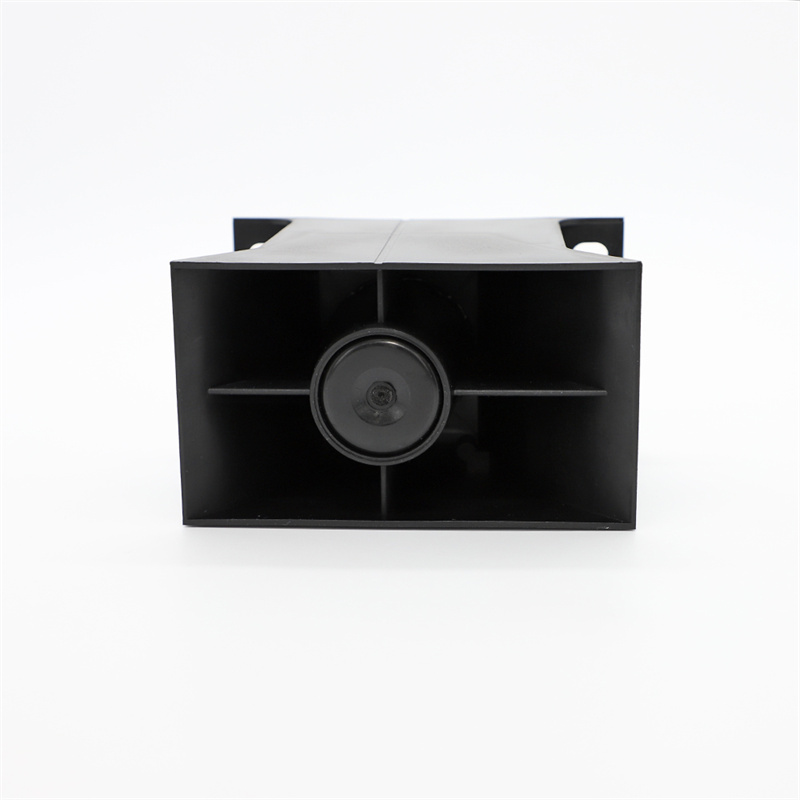
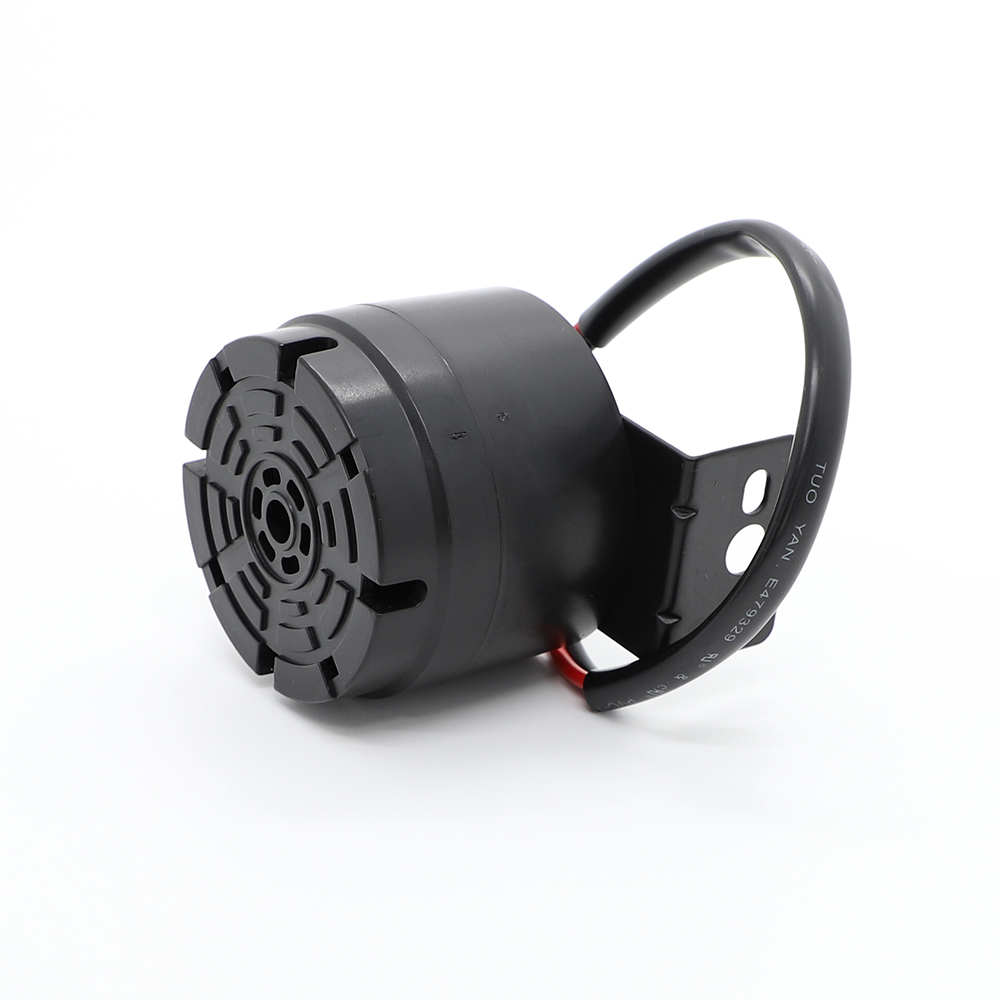
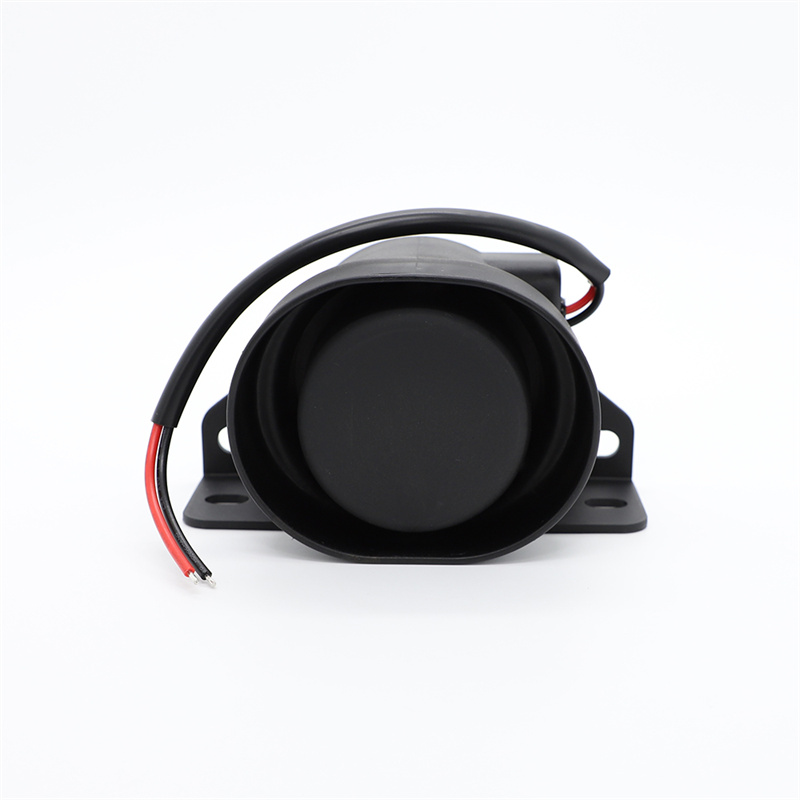
Driving safety is a priority for every vehicle owner, and one often overlooked yet critical feature is the car back up alarm. This device emits a loud, distinct sound when reversing, alerting pedestrians, cyclists, and other drivers to your vehicle’s movement, thereby reducing the risk of accidents in tight spaces or busy areas. While modern cars increasingly come equipped with factory-installed backup alarms, older models or budget vehicles may lack this feature. Fortunately, installing a car back up alarm is a straightforward DIY project that requires basic tools and minimal automotive knowledge. This guide will walk you through the process step-by-step, highlight key precautions, and emphasize why this upgrade is worth your time.
Part 1: How to Install a Car Back Up Alarm
Step 1: Gather the Necessary Tools and Materials
Before starting, ensure you have the following items:
A car back up alarm kit (compatible with your vehicle’s make and model).
Wire strippers and crimpers.
Electrical tape or heat-shrink tubing.
A multimeter (for testing connections).
Screwdrivers and wrenches (varies by vehicle).
Drill (if mounting the alarm externally).
Zip ties or clips for cable management.
Most alarm kits include a speaker, control module, wiring harness, and mounting hardware. Double-check the kit’s compatibility with your car’s electrical system (12V is standard for most vehicles).
Step 2: Locate the Reverse Light Wiring
The car back up alarm activates when your vehicle shifts into reverse, so it must connect to the reverse light circuit. Here’s how to find it:
1.Access the rear light assembly: Open your trunk or remove the interior panel covering the tail lights (refer to your car’s manual for specifics).
2.Identify the reverse light wire: Use a multimeter to test wires while a helper engages the reverse gear. The wire showing 12V when reversing is your target. Alternatively, consult a wiring diagram for your car model online.
Step 3: Mount the Alarm Speaker
Choose a location where the alarm’s sound will be audible but not overly harsh. Common spots include:
Under the rear bumper (external mount).
Inside the trunk near the tail lights (internal mount).
If mounting externally, drill holes as needed and secure the speaker with screws or bolts. For internal installations, use adhesive pads or clips. Ensure the speaker faces downward or outward to maximize sound projection.

Step 4: Connect the Wiring
Follow these steps to wire the alarm to your car’s reverse circuit:
1.Disconnect the battery: Always start by removing the negative terminal to avoid electrical shorts.
2.Splice into the reverse light wire: Use wire strippers to expose ½ inch of the wire, then connect the alarm’s trigger wire (usually red or yellow) using a solderless connector or crimping tool. Wrap the connection with electrical tape or heat-shrink tubing for insulation.
3.Ground the alarm: Attach the black ground wire from the alarm kit to a clean, unpainted metal surface on the car’s chassis. Use a screw or bolt to ensure a solid connection.
4.Power the control module: Connect the alarm’s power wire (often labeled “12V+” or “IGN”) to a switched power source, such as the reverse light circuit or an accessory fuse in the fuse box. This ensures the alarm only activates when the car is on.
Step 5: Test the System
Reconnect the battery, turn on the ignition, and shift into reverse. The car back up alarm should emit a loud beep or chirp. If it doesn’t:
Check all wiring connections for looseness or corrosion.
Verify the ground wire is securely attached.
Use the multimeter to confirm power reaches the alarm’s control module.
Adjust the alarm’s volume or sensitivity (if adjustable) to suit your preference.
Part 2: Key Considerations When Installing a Car Back Up Alarm
1.Legal Compliance:
Research local regulations regarding backup alarms. Some regions restrict decibel levels or require specific tones to avoid noise pollution. For example, commercial vehicles may have stricter rules than passenger cars.
2.Waterproofing:
If mounting the alarm externally, ensure it’s rated for outdoor use (IP67 or higher). Seal connections with silicone grease or waterproof connectors to prevent moisture damage.
3.Avoid Drilling Into Fuel Lines or Wiring Harnesses:
When mounting the speaker, scan the area for hidden components. Accidentally puncturing a fuel line or electrical bundle could cause fires or system failures.
4.Professional Help for Complex Installations:
If your car has a factory backup camera or advanced safety systems, consult a mechanic. Integrating an aftermarket alarm with existing tech may require specialized tools or programming.
5.Regular Maintenance:
Periodically check the alarm for dirt, debris, or corrosion. Clean the speaker grille and test the system monthly to ensure reliability.
Conclusion: Enhancing Safety with a Car Back Up Alarm
Installing a car back up alarm is a cost-effective way to boost safety for yourself and others. Whether you drive a compact sedan or a large SUV, this device provides an audible warning that minimizes blind-spot risks in parking lots, driveways, or crowded streets. By following the steps outlined above—from selecting the right kit to testing the system—you can complete this installation in under two hours.
Remember, safety modifications like a car back up alarm are investments in peace of mind. Even if your vehicle already has a factory-installed system, an aftermarket upgrade can offer louder alerts or customizable tones. Prioritize quality components and thorough testing to ensure the alarm functions flawlessly in all conditions. With this guide, you’re now equipped to tackle this project confidently—drive safer, and reverse with confidence!





View More(Total0)Comment lists